

Getting started
Boykisser Linux is Debian 13 (trixie) with a pink XFCE desktop, a lot of setup already done, and a few friendly tools on top. You can run it straight from a USB stick without touching your disk, then install it when you’re happy.
1. Pick an ISO
Section titled “1. Pick an ISO”Grab one from the latest release. Not sure which? Take Full.
| Flavour | Good for |
|---|---|
| Full | Most people. Every app is in the image and it installs completely offline. |
| Netinstall | Smaller download. The big apps (Steam, OBS, VS Code, codecs) download on the first boot of the installed system, so it needs internet. |
| Lite | Old, BIOS-only machines. See Old hardware. |
The downloading guide explains the split full ISO and how to verify it.
2. Write it to a USB stick
Section titled “2. Write it to a USB stick”Use a stick of 4 GB or more. Everything on it will be erased.
-
Windows: Rufus. If it asks, choose DD Image mode.
-
Any OS: balenaEtcher.
-
Linux or macOS terminal:
Terminal window # find your stick first with lsblk (Linux) or diskutil list (macOS)sudo dd if=boykisser-linux-amd64.iso of=/dev/sdX bs=4M status=progress oflag=sync
3. Boot from it
Section titled “3. Boot from it”Plug the stick in, restart, and open your PC’s boot menu. It’s usually F12, F11, F8 or Esc right after power-on. Both UEFI and legacy BIOS work.
The pink boot menu has a few entries:
- Live system: the normal one.
- Live system in another language: German, French, Spanish, Italian, Brazilian Portuguese, Polish or Dutch, with the matching keyboard layout.
- Failsafe: turns off graphics acceleration and other hardware features. Use it if the normal entry hangs or shows garbage.
4. Look around
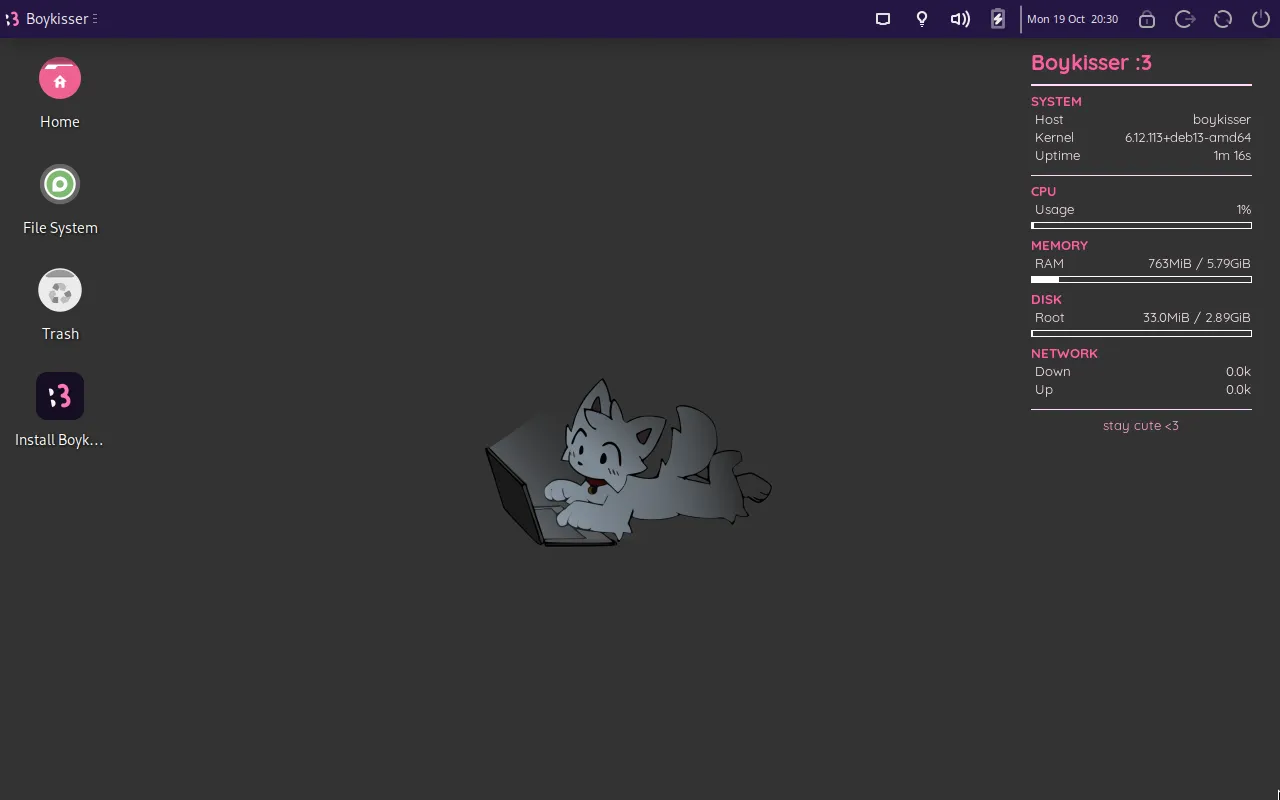
Section titled “4. Look around”The live session logs in by itself and runs entirely in RAM. Nothing you do touches your disk, and it all disappears when you reboot. If a login screen ever shows up, the user is live and the password is live.
A welcome window opens with a small checklist. Good things to try:
- Boykisser Center in the app menu (the pink cat at the top left). It’s the control panel for updates, apps, themes and drivers.
boykisser doctorin a terminal (Ctrl+Alt+T) for a quick hardware and health check.- Wi-Fi, sound, Bluetooth and your screen resolution, so you know your hardware is happy before installing.
5. Install it
Section titled “5. Install it”Double-click Install Boykisser Linux on the desktop. The installation guide walks through every screen.